
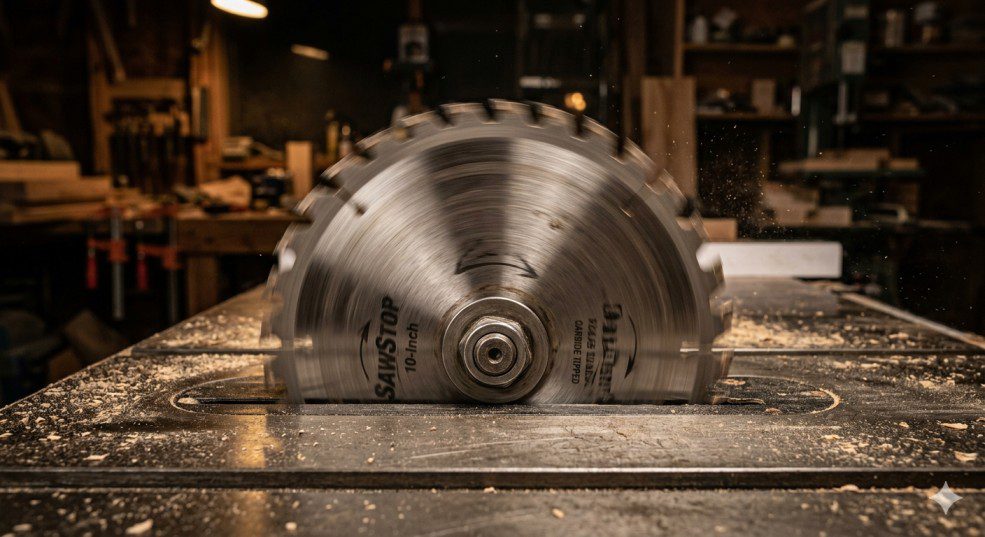
How to Fix Table Saw Blade Wobble
(7 Proven Causes & Fixes)
Unplug your saw. Tighten the arbor nut first — it’s the cause in about half of all wobble cases and takes 30 seconds. If the wobble is still there, remove the blade and wipe the flange and arbor clean with a rag and mineral spirits. Reinstall and test. Those two steps alone fix most wobble problems. Still wobbling? Work through the 7 causes below in order.
Last month I was getting wavy cut lines on my DeWalt DW745 — oak that should have been a clean rip coming off rough and burned. Turned out a thin layer of resin had built up on the inner flange and was pushing the blade out of true. Ten-minute fix. But not every case is that simple, and if you ignore blade wobble, you’re heading toward bad cuts, ruined workpieces, and a real kickback risk.
Below I’m walking you through all 7 causes, how to diagnose exactly which one you’re dealing with, and the step-by-step fix for each — plus a straight answer on when to repair versus when to just replace the blade or the saw.
What Does Table Saw Blade Wobble Actually Mean?
A lot of people use “wobble” and “runout” interchangeably, but they’re slightly different — and knowing the difference matters for diagnosing the cause.
Blade wobble is the visible side-to-side movement of the blade as it spins. You can often see it with the naked eye or feel vibration through the workpiece.
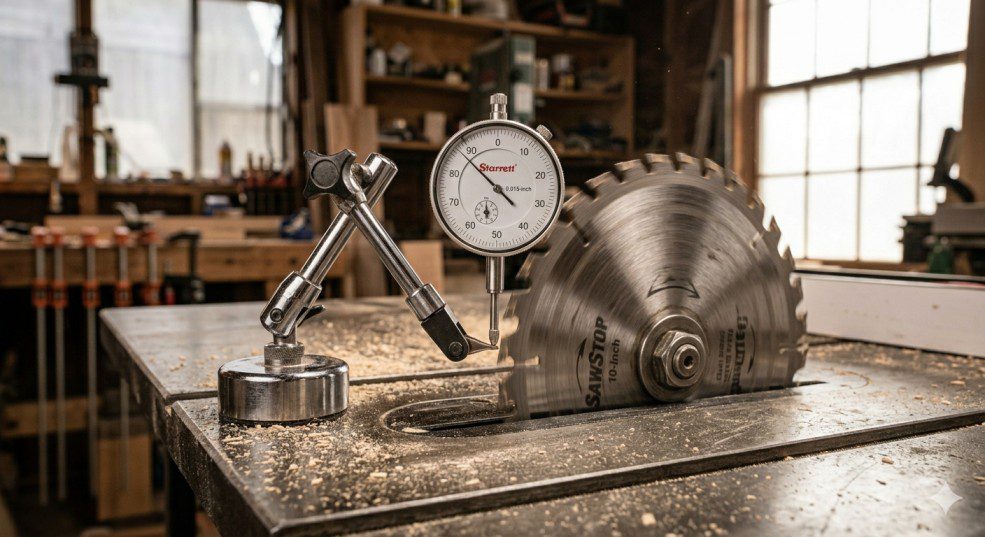
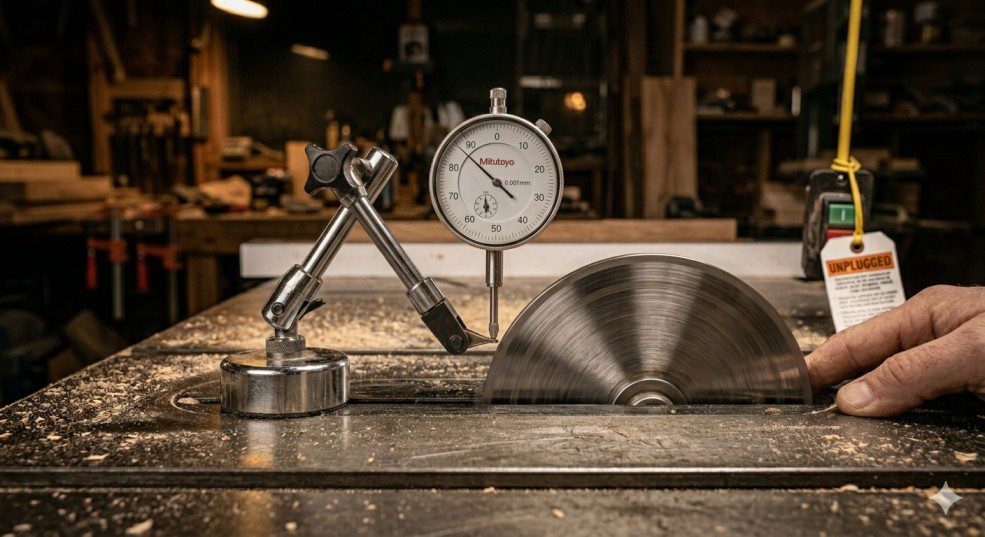
Blade runout is the precise measurement of that deviation — measured with a dial indicator, which you mount on the saw table and bring the probe tip against the flat face of the blade. Spin the blade slowly by hand and read the total indicator movement.
How to Diagnose the Wobble Before You Fix It
Before you start loosening anything, spend 5 minutes diagnosing. Jumping straight to fixes without knowing the cause wastes time and can make things worse. Here’s the sequence I follow every time:
- Visual inspection — Look at the blade from directly in front. Sight along the flat face. A blade that’s visibly bent is your culprit immediately.
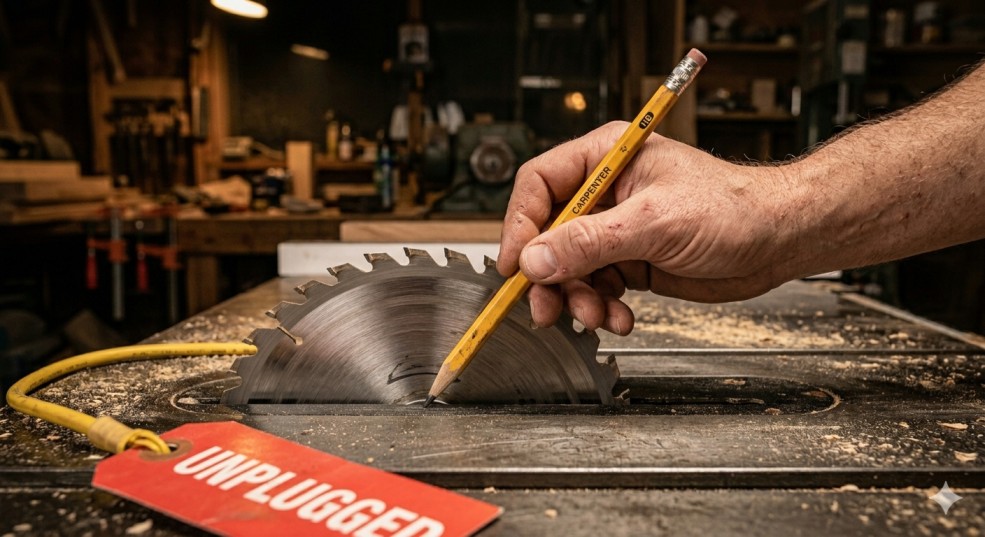
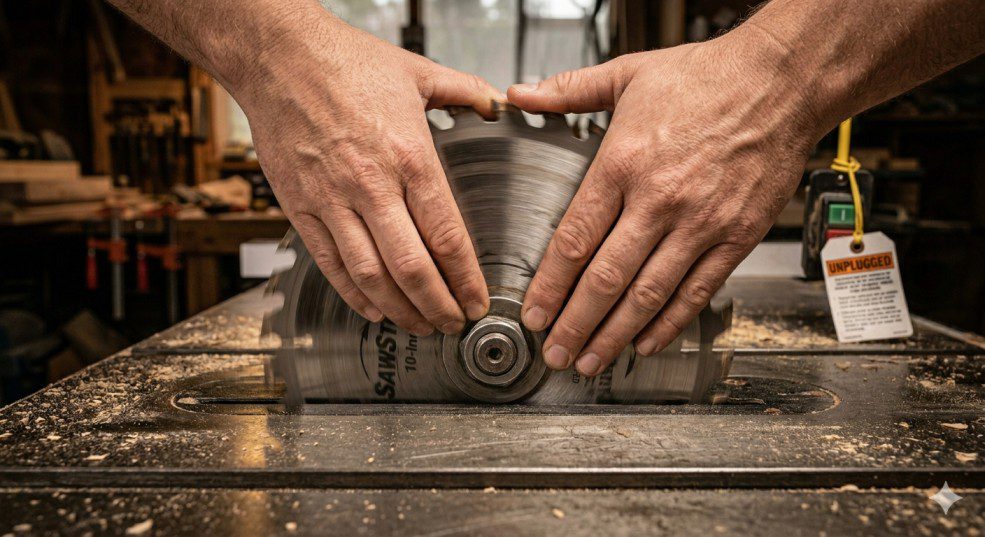
- Spin-by-hand test — Rotate the blade slowly by hand. Hold a pencil lightly against the blade face about 1 inch from the outside edge. Any lateral movement will push the pencil away at certain points.
- Check the arbor nut — Before anything else, try the nut. A loose nut is the most common cause of sudden wobble and takes 30 seconds to fix.
- Test cut on scrap — After checking the nut, run a test cut on scrap pine. If the edge is still wavy or shows burn marks on both sides of the kerf, go deeper.
7 Causes of Table Saw Blade Wobble (And How to Fix Each)
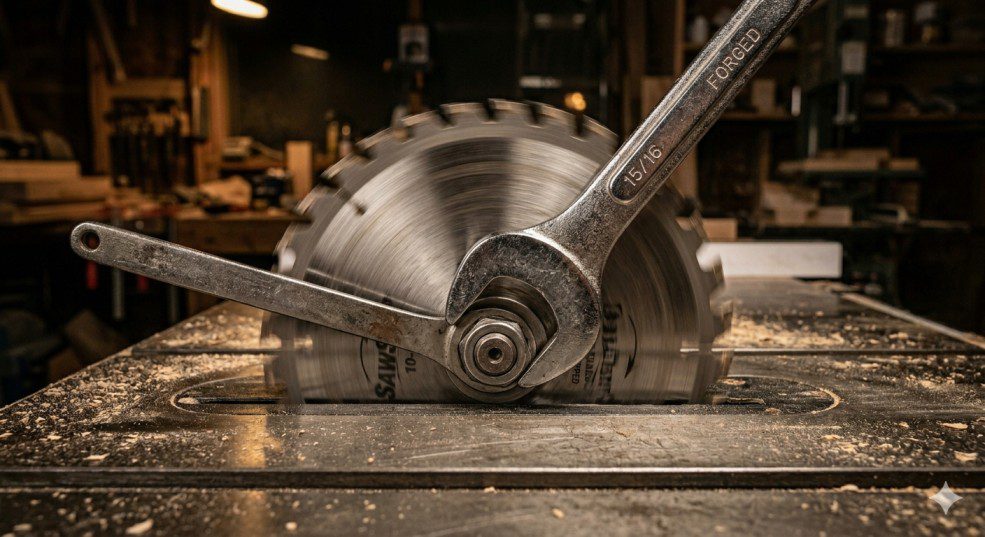
The arbor nut secures the blade against the flange. If it worked loose through vibration — or wasn’t torqued down after a blade change — the blade has a tiny amount of play that magnifies into visible wobble at 4,000+ RPM.
How to identify it: The wobble appeared suddenly, often after changing blades. The nut feels loose when you try it by hand.
- 1Unplug the saw completely.
- 2Raise the blade to full height. Lock the arbor using the saw’s spindle lock, or wedge scrap wood between the blade and insert.
- 3Use the correct arbor wrench to tighten the nut. Most table saws use a left-hand thread — turning clockwise from the operator’s side tightens it. Check your manual.
- 4Use two wrenches: one on the nut, one on the arbor flats to avoid stressing the bearings.
- 5Run a test cut on scrap. Done.
Sawdust, resin buildup, or a chip of material packed between the blade and the inner flange pushes the blade out of true. I’ve seen a single wood chip cause 0.015 inches of runout — five times the acceptable limit.
How to identify it: The wobble developed gradually or appeared right after cutting a resinous or dirty piece of wood. The blade looks fine when off the saw.
- 1Unplug and remove the blade completely.
- 2Inspect the arbor shaft and both flanges closely. Run your fingernail around the mating surfaces — you’ll feel any debris.
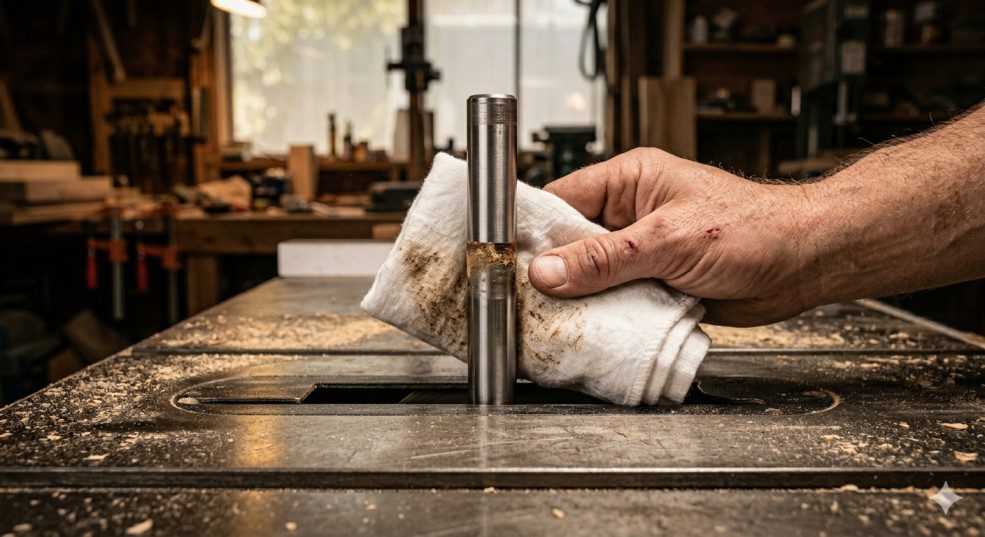
- 3Clean the arbor shaft and both flange faces with a rag and mineral spirits or blade cleaner. Remove all resin and sawdust.
- 4Clean both faces of the blade near the center hole.
- 5Reinstall the blade, tighten the nut firmly, and test.
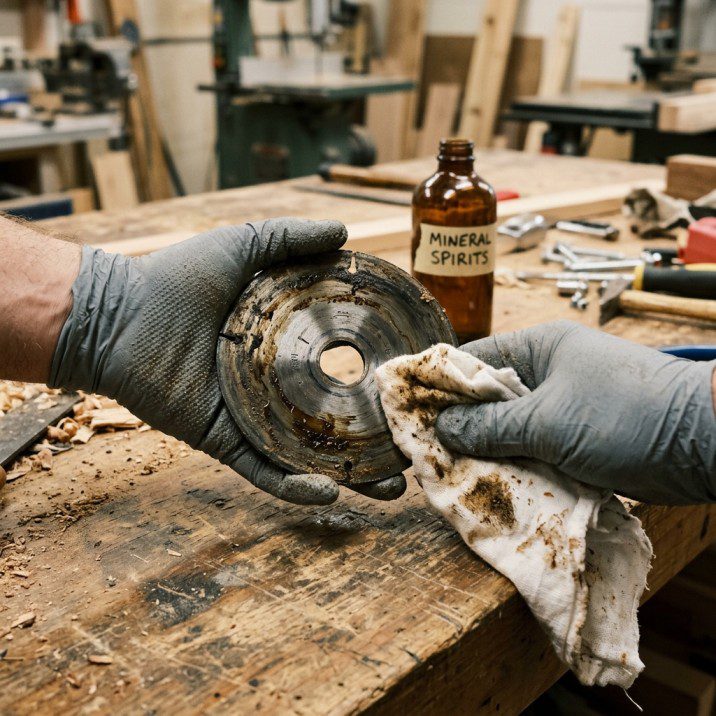
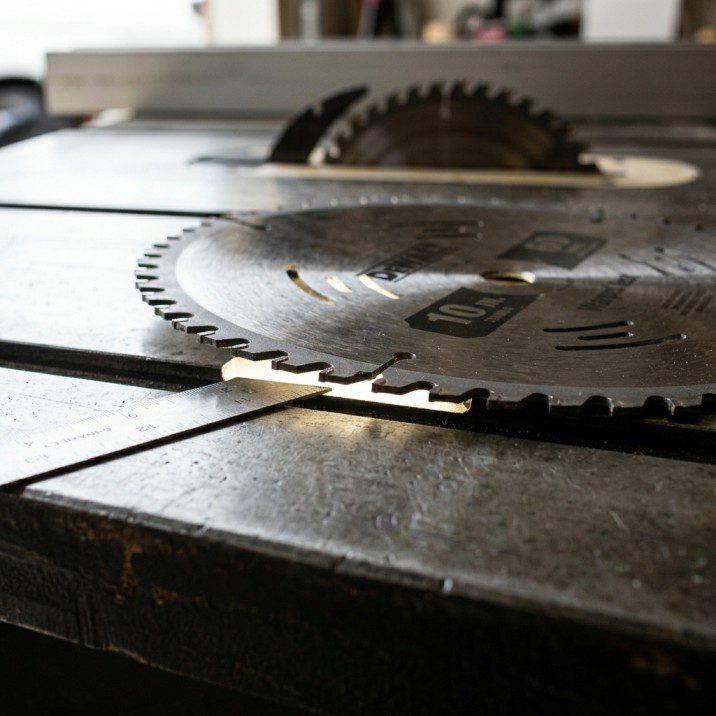
The blade itself is physically bent or warped — usually from heat stress (forcing a dull blade through hardwood), dropping it on concrete, or storing it leaning at an angle instead of flat or hung vertically.
How to identify it: Place the blade flat on your table saw surface. If it rocks, or you can see daylight under part of the rim, it’s warped.
A bent blade cannot be reliably straightened at home. Even if you tap it flat, the blade body won’t be balanced properly. An unbalanced blade at 4,000 RPM is a safety hazard. Replace it. See my guide to the best table saw blades for quality replacements.
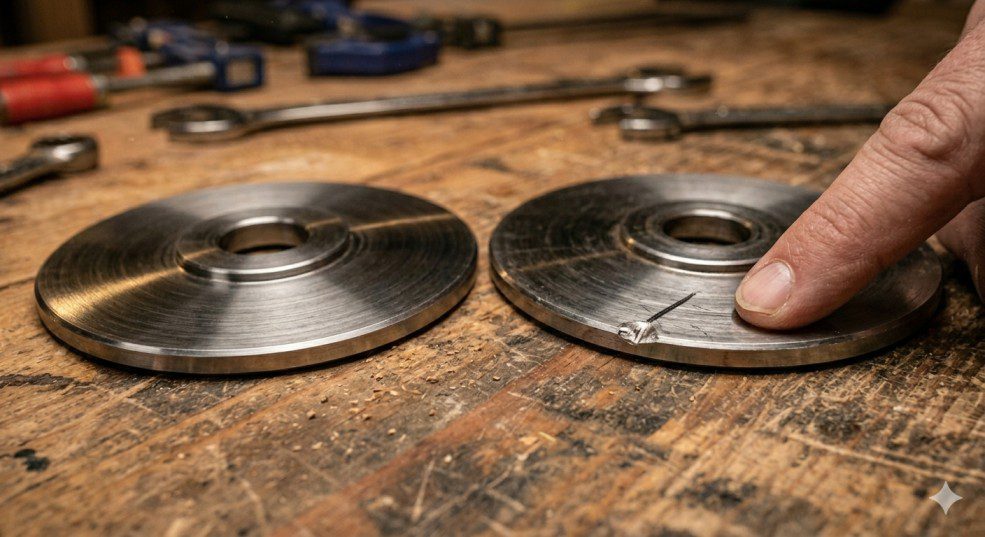
The flanges (the two metal discs clamping the blade on either side of the arbor) must have perfectly flat, parallel mating faces. A single ding or burr on a flange face tilts the blade off-plane every single time you mount it.
How to identify it: You’ve tried a new blade and still have wobble. The runout is consistent across multiple different blades.
- 1Remove the blade and inspect both flanges with good lighting.
- 2Run your fingernail across the face — even a tiny burr is detectable.
- 3Minor burrs: remove carefully with a fine flat file or 400-grit wet-dry sandpaper on a flat surface, using a figure-8 motion.
- 4If a flange is visibly bent or cracked, order a replacement from your saw’s manufacturer ($10–$30).
- 5Reinstall and verify with a dial indicator.
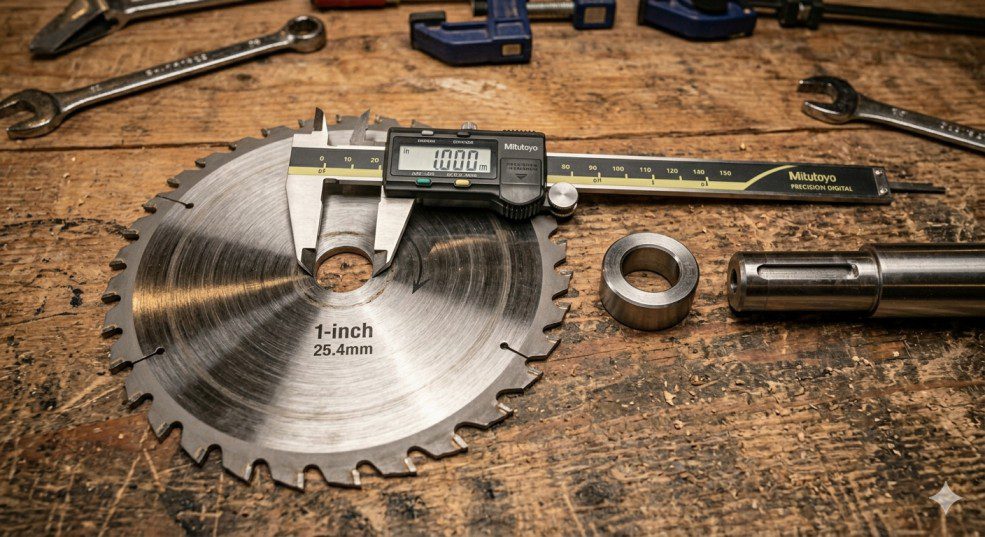
Standard table saw arbors are 5/8 inch. If you’re using a blade with a 1-inch center hole and no proper reducer bushing — or a loose, ill-fitting bushing — the blade will rock on the arbor. Even a 0.01-inch bore mismatch produces significant runout.
How to identify it: The blade slides onto the arbor with a little play before the nut is tightened. You can feel the slop.
- 1Remove the blade and check the bore diameter (stamped near the center hole).
- 2Confirm your arbor diameter (5/8 inch for most US saws).
- 3If using a bushing, replace it with a precision-fit reducer from the blade or saw manufacturer — not a loose stamped-metal ring.
- 4If the blade’s bore is worn from repeated use, replace the blade.
The arbor shaft runs on bearings inside the saw’s housing. When they wear out — from age, lack of lubrication, or heavy use — the shaft develops play that translates directly into blade wobble. No blade adjustment will fix this.
How to identify it: Grab the blade (saw unplugged) and wiggle it side-to-side and in-out along the arbor. Any movement in the shaft itself means worn bearings. You may also hear a grinding noise when running.
- 1Confirm bearing play by wiggling the arbor shaft directly.
- 2Order replacement bearings — search “[your saw model number] arbor bearings” for the exact spec.
- 3Replacing arbor bearings requires partial disassembly. If you’re comfortable, it’s doable in 1–2 hours with basic tools and a bearing puller.
- 4Not comfortable? Take it to a local power tool repair shop — usually $50–$100 labor.
- 5On older, inexpensive saws: compare repair cost to a new portable table saw. Sometimes replacement makes more sense.
The arbor shaft itself is physically bent — rare, but it happens from an impact: the saw tipping over, a blade catching at full speed, or a serious kickback event. A bent arbor produces runout that is perfectly consistent with every blade and cannot be fixed by any adjustment.
How to identify it: You’ve ruled out all other causes. Mount a dial indicator on the arbor shaft itself (not the blade) and rotate — if the shaft shows runout, it’s bent.
A bent arbor shaft is not a home repair. Your options: replace the entire arbor assembly (expensive, only worth it on a high-end cabinet saw), take it to a power tool specialist, or — on most contractor and jobsite saws — replace the saw entirely.
When to Replace vs Repair — Decision Table
Here’s how I think through the repair-or-replace decision for each cause at a glance:
| Cause | DIY Fix? | Est. Cost | Replace Instead When… |
|---|---|---|---|
| Loose arbor nut | ✓ Yes — 5 min | Free | Never — always fix this |
| Debris on flange/arbor | ✓ Yes — 15 min | Free | Never — always fix this |
| Bent / warped blade | Replace blade | $20–$150 | Always — can’t safely straighten |
| Damaged flange | ✓ Yes (minor burrs) | $0–$30 | If visibly bent — order new flange |
| Wrong blade bore | ✓ Get correct bushing | $5–$20 | If bore is worn — replace blade |
| Worn arbor bearings | ⚠ Intermediate DIY | $15–$100 | Old / cheap saw — buy new saw |
| Bent arbor shaft | ✗ Not DIY | $100–$300+ | Almost always — replace the saw |
How to Prevent Blade Wobble Going Forward
Most wobble problems are preventable with a few simple habits. Here’s what I do to keep my saws running true:
-
Check the arbor nut every blade change. New blade goes on, nut gets torqued. Takes 10 seconds and eliminates the most common cause of wobble entirely.
-
Clean the arbor and flanges every 3–4 blade changes. Resin builds up faster than you’d think, especially when cutting pine or MDF. Two minutes with mineral spirits keeps the mating surfaces true.
-
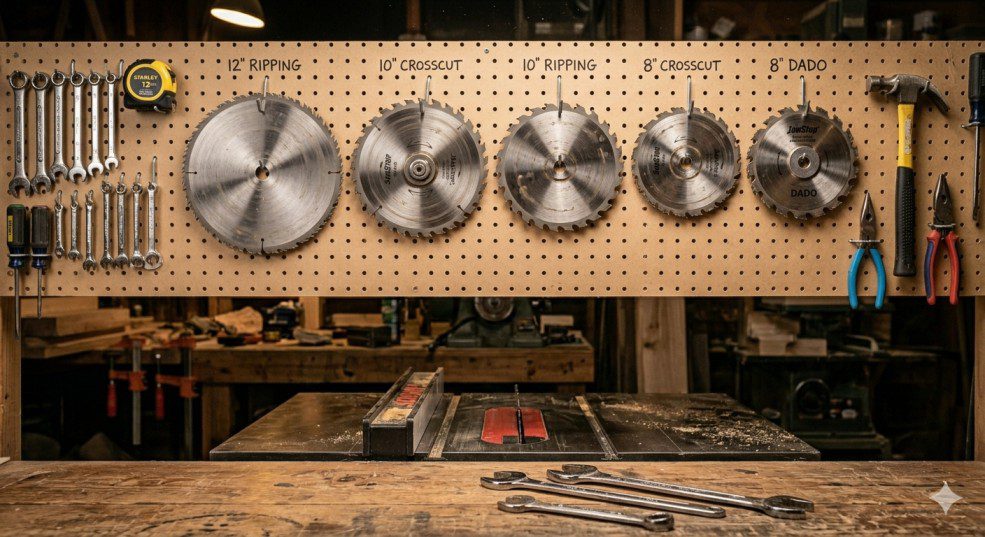
Store blades flat or hung vertically on a peg. Never lean blades against a wall at an angle — that’s how you get warped blades over time.
-
Don’t force dull blades. Pushing a dull blade through hardwood overloads the blade body with heat stress that leads to warping. When cuts require noticeably more push, it’s time to sharpen or replace.
-
Check runout after any kickback event. Even a minor kickback can stress the arbor and flanges. Inspect everything before continuing. See my full guide on preventing table saw kickback.
-
Run a runout check every 6 months. A quick dial indicator check twice a year catches developing bearing wear before it becomes a real problem.
FAQ — Table Saw Blade Wobble
The most common causes are a loose arbor nut, debris packed between the blade and the flange, or a bent blade. Start with the simplest: tighten the arbor nut, clean the flange mating surfaces, and inspect the blade for visible warping before looking at deeper mechanical issues like worn bearings.
For most table saws, blade runout should be under 0.003 inches (0.08mm) measured at the blade face about 1 inch from the outer rim. Cabinet saws should achieve 0.001–0.002 inches. Anything above 0.005 inches will produce visibly rough cuts and increased vibration.
Not reliably, and I wouldn’t recommend trying it. A bent blade body is also an unbalanced blade body — an unbalanced blade spinning at 4,000 RPM is a safety risk. Replace any blade that rocks on a flat surface or shows a visible bend when held at eye level.
Mount a dial indicator on the saw table or fence rail so the probe tip rests on the flat face of the blade, about 1 inch from the outer edge. Rotate the blade slowly by hand (saw unplugged) and read the total indicator movement. Under 0.003 inches is acceptable for most saws.
Yes, it can. A wobbling blade produces an uneven kerf that can pinch the blade during a cut — one of the primary causes of kickback. If you have significant blade wobble, don’t use the saw until you’ve identified and fixed the cause. Read more in my guide on preventing kickback on a table saw.
I wouldn’t. Even minor wobble degrades cut quality — you’ll get fuzzy edges, tear-out, and burn marks. Any runout above 0.005 inches also introduces a real safety concern. Fix it first, then cut.
Conclusion
In most cases, table saw blade wobble is a quick fix. A loose nut or dirty flange accounts for at least half the cases I’ve seen. Work through the diagnosis in order: check the nut first, clean the arbor and flanges second, inspect the blade third. Only then do you need to consider deeper issues like worn bearings or a bent arbor shaft.
Got a wobble situation that doesn’t match any of these causes? Drop a description in the comments and I’ll help you track it down.

If the Blade Was the Problem…
I’ve already done the research on the best replacements — quality blades that run true right out of the box.

Finlay Connolly is a woodworking enthusiast and power tool specialist with over a decade of hands-on experience in the workshop. As the founder and lead writer at ProTableSawReviews.com, Finlay combines expert knowledge with real-world testing to help woodworkers, DIYers, and professionals choose the best tools for the job. With a sharp eye for detail and a passion for precision, Finlay is committed to providing trustworthy, practical advice backed by years of experience and research in the field. Whether you’re cutting dados or comparing fence systems, you can count on Finlay for honest, reliable reviews that make your next cut your best one.